
Compatible Computers, Laptops, Tablets, or Phones Operating Systems:
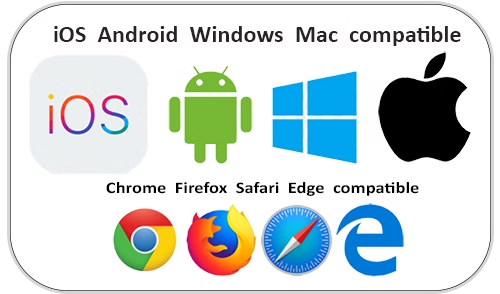
- Windows 7, 8, 10, or 11
- Mac OSX (High Sierra) or better
- Chromebook OS ver. 108 or better
- Android-based tablet or phone (version 7.0 or better)
- iPhone 6 or better (iOS 17 or better)
- iPad 4 or better (iOS 17 or better)
Use These Web Browsers:
- Google Chrome version 108 or better
- Mozilla Firefox version 102 or better
- Safari 16 or better
- Microsoft Edge version 90 or better
You only need a smartphone, tablet, computer, Internet connection, and time. That's it!
We highly recommend using Google Chrome. It's much faster and more efficient for interactive training courses.
Do not use these web browsers:
These web browsers do not work well with interactive online training courses. If you currently use any of these web browsers on your Android device, switch to Google Chrome. On iPhones or iPads, use the native Safari browser. You will have a much better, faster user experience. |
Clear The Cache In Your Web Browser:
We highly recommend clearing your web browser before beginning. Online interactive learning courses are more demanding of your computer or device than regular websites. Clearing your browser will improve the course's response and speed. It takes only 30 seconds. Besides, it greatly improves your browser's speed on the Internet across all websites. Click here to select your device and browser for specific and easy instructions.


